
Finish account setup
The setup wizard at first sign-in, step by step in today's order, who sees which steps, and how to review your setup or read the agreements later.
The setup wizard that opens the first time you sign in, and how to review it later. It opens by itself from your invitation email; to reopen it, click your name at the bottom of the left menu → Review onboarding. Client Admin and Client Staff.
What you can do here
Finish setup the first time you sign in
Use this after you open your invitation and set a password. You can't reach the app until you finish; the only way out is Log out.
Work through the steps in order
Click Continue on each; Back goes back. The first Client Admin on a new account sees:
| Step | What you do |
|---|---|
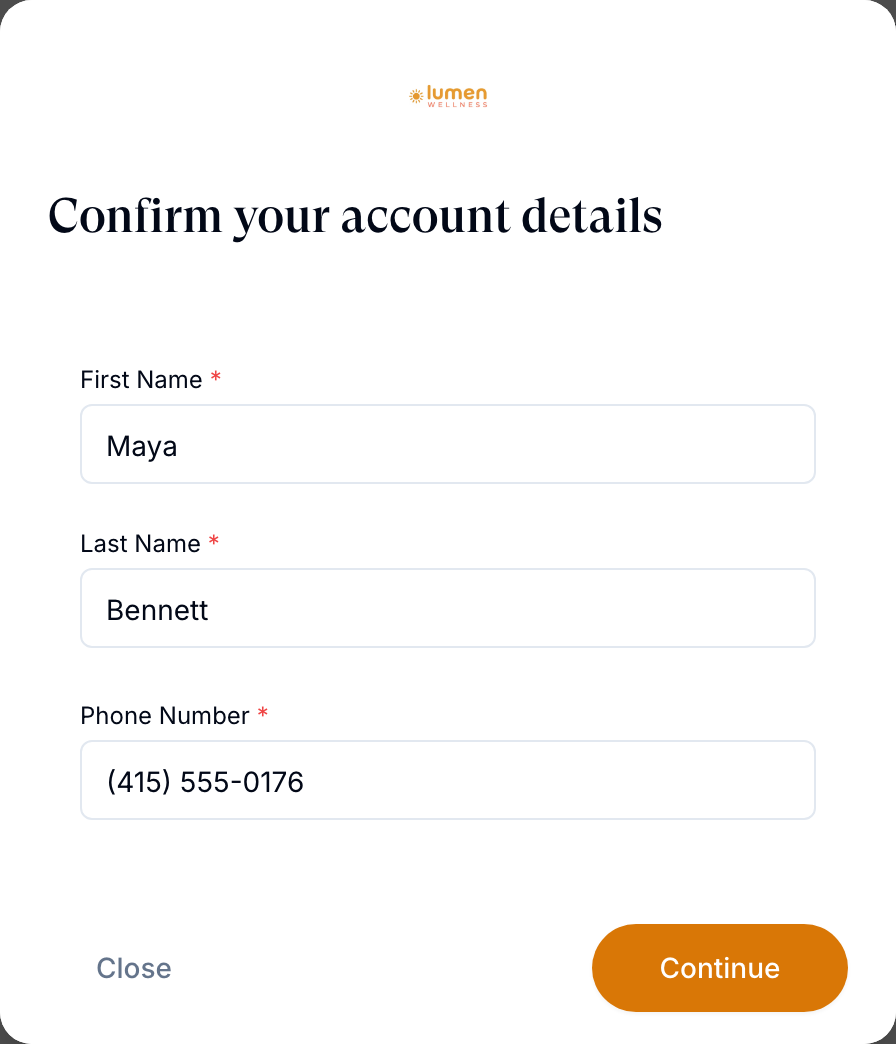
| Account | Confirm First Name, Last Name and Phone Number. |
| Client | Business name, Brand name and address. Provider network shows your linked network. |
| Billing | Save the card GEN Health bills your platform fees to (required). You won't be charged now. |
| Routing | The pharmacies included through OnlyScripts. Continue turns them on. |
| Pharmacy billing | Save the card pharmacies charge for medication (required). |
| Payouts | Pick the processor patients pay you through, or click I'll do this later. |
| Website | Yes, Working on it or No. Your site's address pre-fills Brand. |
| Brand | Logo, icon, colours, font, and whether you want a phone number. |
| Policies | The agreements, below. |
Accept the agreements and finish
Tick Terms and Conditions, Privacy Policy and HIPAA and business associate obligations, then click Finish setup.
You'll know it worked when Setup complete appears. Click Continue to open your Dashboard.
Who can do this: everyone on your team signs in through it, but most people see fewer steps:
- Client Staff, and every Client Admin after the first: Account and Policies.
- Affiliate accounts: no Payouts; patients pay through your network.
- Review-only accounts: Account, Business, Locations, Brand, Policies.
- Routing and Pharmacy billing appear only when your account uses the OnlyScripts pharmacy network.
Selling online: have your processor's API keys ready for Payouts. In a clinic: no website yet? Pick No and set your colours by hand on Brand.
Review your setup later
Use this to check or change what you entered.
Open your account
Click your name at the bottom of the left menu. Edit Account Information opens.
Click Review onboarding
It's under Onboarding. Your answers stay filled in. Continue saves each step and moves on; Close leaves the wizard.
You'll know it worked when the wizard opens on Confirm your account details.
Who can do this: Client Admin and Client Staff, each with their own steps. Most answers also live on a page: Settings — Account and billing, Billing and Settings — Branding.

Read the agreements you signed
Open Account and billing
Left menu → Settings → Account and billing.
Click View agreements
Agreements lists each agreement, who accepted it and when.
You'll know it worked when the Agreements dialog lists your team's acceptances.
Who can do this: Client Admin.
What can go wrong
| What you see | Why | Fix |
|---|---|---|
| Please accept the required agreements before finishing setup. | An agreement isn't ticked | Tick all three, then Finish setup. |
| We couldn't load your setup | Your setup status didn't load | Click Try again. If it repeats, log out and back in. |
| An error that a user with this email already exists | That email already has another account | Ask whoever invited you to contact GEN Health Support. |
| Integration definition is missing, or setup won't finish after signing | Known problems | Log out and back in; if it repeats, contact GEN Health Support. |
| Setup finished, but patients can't pay | Payouts was left for later | Connect a processor on Billing. |
Questions people ask
Invitees are asked to set up the account every time they click the link. Why?
Setup isn't finished until they tick the agreements and click Finish setup. Until then the wizard opens at every sign-in.
A new team member's setup link expired. Can you resend it?
A Client Admin can: Dashboard → Users → row menu ⋮ → Send magic link. See Your team.
Does the card on the Billing step pay for pharmacy orders?
No. Billing is the card for GEN Health's platform fees. Pharmacy billing is a separate card that pharmacies charge for medication.
We finished setup and we're at a standstill. What's next?
Follow Go live.
Related
Was this helpful?